Church AV
Church AV diagrams that don't live in one volunteer's head.
Document the mics, the console, the cameras, and the stream, in one diagram a Sunday volunteer can actually open. Free plan fits a single campus, no card required.
- Mic-to-console-to-speaker and camera-to-switcher-to-stream, documented in one place
- Share links open on any phone, no account, no software, no training session
- Free plan covers a single campus: three diagrams, five custom devices, no card
- Grows into rack elevations and LED walls when the system grows
- Cloud autosave: the diagram survives when the volunteer who built it moves on
Document the system before the person who built it leaves
Most churches have one person (a volunteer, a part-time tech director, sometimes just 'the guy who's good with computers') who knows how the whole system is patched. When that person moves, gets busy, or moves away, the knowledge usually goes with them, and the next person is tracing cables under the stage trying to figure out which snake feeds which amp.
A WireFlow diagram is the thing that survives the turnover. Draw the system once (console, snake, amps, speakers, cameras, switcher, stream encoder) and it's there in the cloud for whoever's on the booth next Sunday, not stuck in one person's memory or a photo on their phone.
Sound, video, and streaming on one diagram
Most churches didn't build their AV system all at once. The sound system came first, then a camera or two, then a streaming rig bolted on when services went online. WireFlow documents all three signal paths in one place: mics into the console, console into amps and speakers, cameras into a switcher, switcher into the stream encoder and the in-room screens.
- Port-aware connections: XLR, HDMI, SDI, and network (including NDI) stay on their own compatible ports
- One diagram instead of a sound sketch, a camera sketch, and nothing for streaming
- Labels and signal names that make sense to whoever's reading them at 8am Sunday
Documentation a volunteer can actually use
Nobody's installing software or making an account to run sound on a Sunday. Share a read-only link and it opens on any phone or tablet in the booth, always showing the latest version, no v3_final_use_this one in a group text.
The free plan is built for a single-campus setup: three editable diagrams, five custom devices, the full preset library, and PNG export, with no credit card required to start.
Grows with the campus
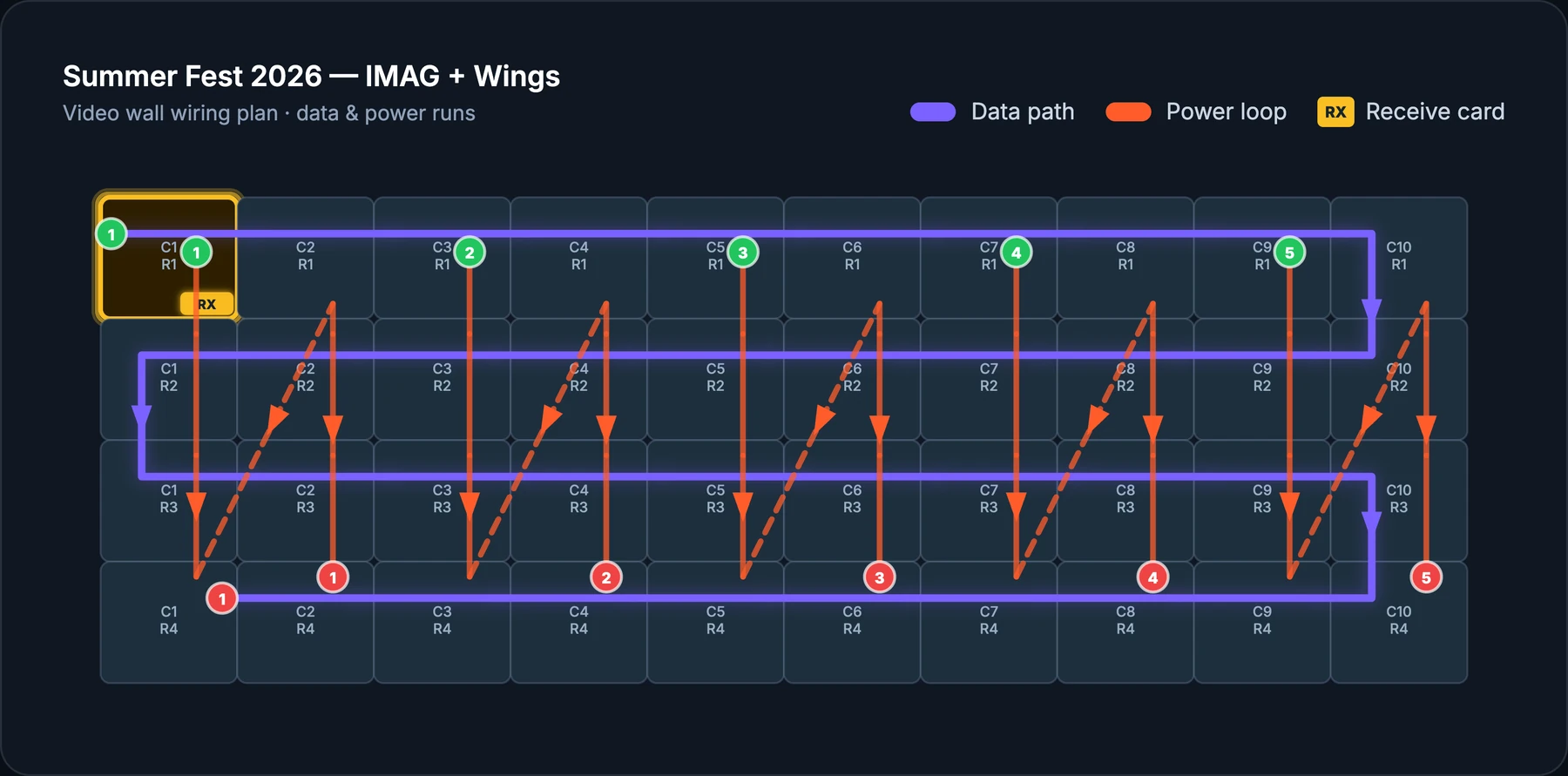
A lot of churches start with a folding table and a small mixer and end up running a multi-camera stream with a video wall behind the stage. When that happens, the same project can hold rack elevations for the equipment closet and LED wall planning for the display, so the documentation grows with the building instead of needing a rebuild.
Frequently asked questions
- Is the free plan actually enough for a church?
- For a single campus, usually yes. Three editable diagrams and five custom devices cover a sanctuary sound system, a camera/streaming path, and a lobby display, with no card required. Multi-campus or bigger builds outgrow it into Pro.
- Do our volunteers need to create accounts to see the diagram?
- No. Share a read-only link and any volunteer opens it in a phone or tablet browser, no account, no install, no training session before they can find their input.
- Can we document our streaming setup, not just sound?
- Yes. Cameras, switchers, encoders, and network gear all have real ports in WireFlow, so the streaming chain gets the same port-validated documentation as the sound system.
- What if nobody on our team is technical?
- The diagram is built to be read, not just drawn. Devices show their real ports and labels, so a volunteer who didn't build the system can still trace 'why is there no sound from the stage mics' back to the right connection.
- We run more than one campus. Does that work?
- Yes. Each campus can be its own project, or one account can hold several, and the Team plan adds a shared workspace if multiple people across campuses need to collaborate.
- Can we export something to hand to a new tech volunteer?
- Yes. A PDF tech pack covering the whole system, so onboarding a new volunteer is handing them a document instead of walking them through the booth from memory.