Broadcast signal flow
Broadcast signal flow diagrams your video team will actually use.
Map cameras, switchers, recorders, and LED processors port-to-port. WireFlow catches wrong connector types before load-in and ships shareable diagrams in minutes.
- Production video path: cameras, switchers, multiviewers, playback, and program monitors
- Labeled cables and port signal names that flow into wiring plans
- Zone/site-map views for multi-room broadcast compounds
- Sample conference show available without an account: see a full ballroom path
- Free tier includes three editable diagrams; Pro unlocks unlimited projects and clean exports
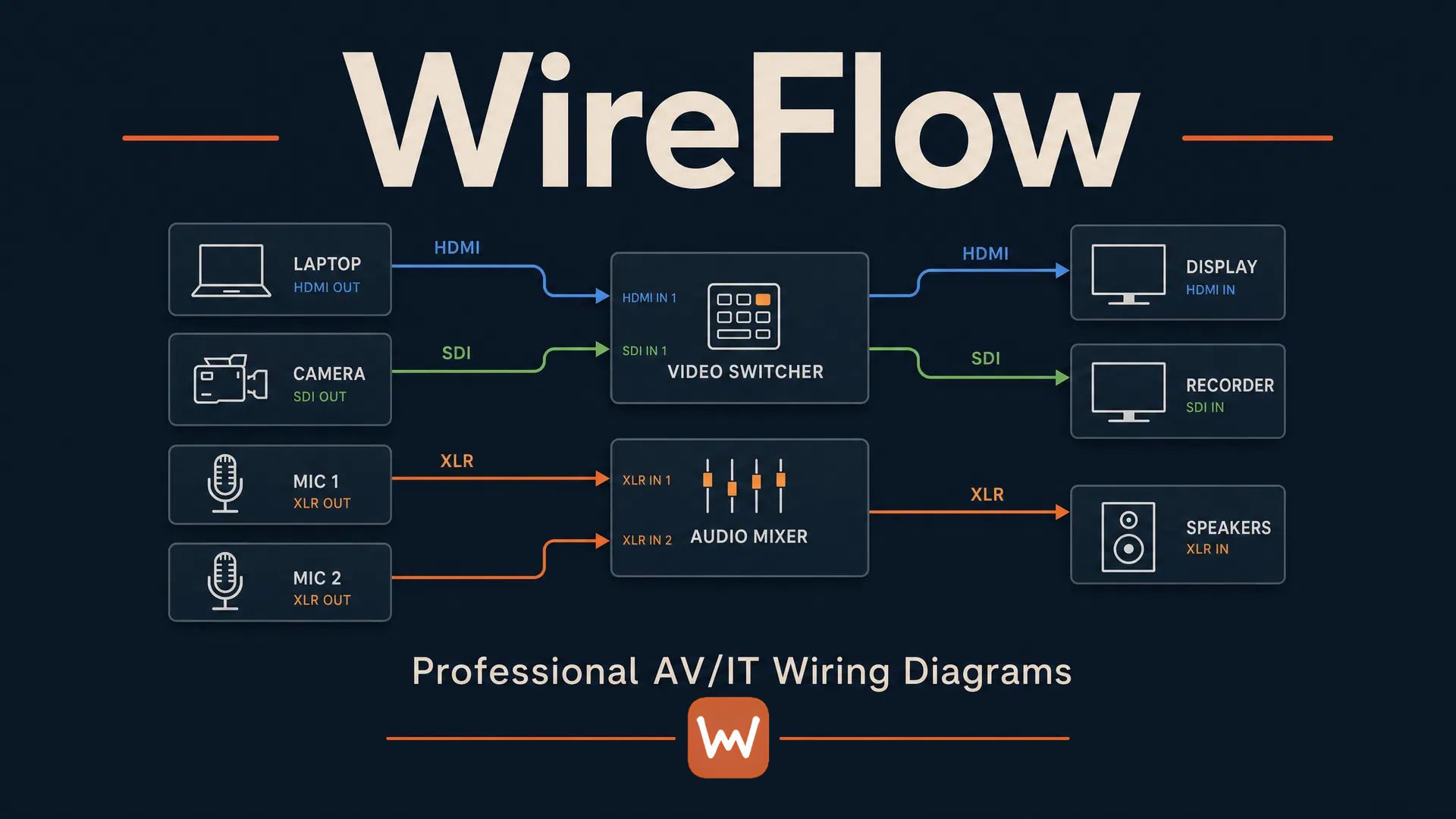
Draw the full production video path
Camera to converter, converter to switcher, M/E to program, program to record, stream, and screens. A broadcast signal flow diagram is only useful if it holds the whole chain. WireFlow maps cameras, converters, switchers, multiviewers, playback, recorders, and encoders port-to-port, so the diagram matches the plant instead of approximating it.
Devices come from an AV-native library, or build your own with the exact I/O of the gear on your truck, so the flow you draw is the flow you patch.
Validated connections for broadcast connectors
SDI stays on SDI. HDMI can't sneak onto a BNC input without a converter in the path. Network-borne signals like NDI and Dante stay on network ports. Cable labels and port signal names ride along on every wire and carry through to the wiring plan and cable schedule, so what the diagram says is what the label on the cable says.
Documentation your video team opens on site
The diagram generates the paperwork: a cable schedule your A2 can pull from, port-to-port documentation for the patch, and a PDF tech pack for the client. Read-only share links open on any phone, always show the latest revision, and can be revoked when the show closes.
- Cable schedule and gear list exported straight from the flow
- Share links for TDs, freelancers, and venue engineers, no accounts
- The same port rules your crew sees when they open the link
Multi-room compounds and flypack builds
Zone and site-map views keep control room, stage, video village, and TX straight in one project. Color-coded zones (stage, FOH, control) mean a tech can find their corner of the plant without reading the whole diagram.
Frequently asked questions
- Can I diagram an ATEM-based flypack?
- Yes. Use switcher, camera, and converter presets from the device library, or build custom devices matching your exact I/O. The free sample conference show includes a complete ballroom video path you can explore without an account.
- Do cable labels flow into a schedule?
- Yes. Labels and port signal names on the diagram carry through to the wiring plan and the CSV cable schedule, so the paperwork and the plant stay in sync.
- How do freelancers see the latest revision?
- Send a read-only share link. It opens in any browser without an account and always shows the latest saved version. You can track opens and revoke links after the show.
- Can I note formats like 3G or 12G on a connection?
- Yes. Put the format in the cable label or port signal name and it displays on the diagram and carries into the exports. Connector-type validation (SDI vs HDMI vs network) is enforced automatically.
- Is there a sample broadcast diagram I can look at?
- Yes. The sample show at wireflow.live/sample includes a full conference video path with cameras, a switcher, audio, and an LED wall. No signup needed.
- What does it cost?
- Three editable diagrams are free, no card required. Pro is $14.99/month and unlocks unlimited diagrams, LED walls, rack elevations, and clean PDF/CSV exports.