MCP server and REST API
An MCP server for AV diagrams, built on real show files.
WireFlow's remote MCP server and REST API give Claude, and your own scripts, typed access to real AV diagrams: devices with ports, connections, racks, LED walls, and the paperwork that comes off them. One personal API key, included with a paid plan.
- Remote Streamable HTTP endpoint at wireflow.live/api/mcp, authenticated with a personal API key
- Surgical edits with patch_diagram, applied server-side and atomically
- Diagrams travel as schema-validated WireFlow JSON, and editor-only state is preserved server-side across API writes
- Every save snapshots the diagram before writing, and a stale full rewrite over MCP is rejected with CONFLICT
- A REST API at /api/v1 on the same key for scripts and pipelines
What the server exposes
The tools are grouped around the jobs an AV team actually does. Every name below is a real tool on the production server.
- Read: list_diagrams and get_diagram, with a compact summary view that lists device and port ids
- Build and edit: create_diagram, patch_diagram for surgical changes, and replace_diagram_state for full rewrites
- Check: validate_wfi dry-runs a document, lint_diagram reviews a rig, and trace_signal walks the wiring up or downstream from a device
- Paperwork: get_cable_schedule, get_gear_list, and get_ip_schedule, each with CSV output, plus get_power_report for circuit sizing
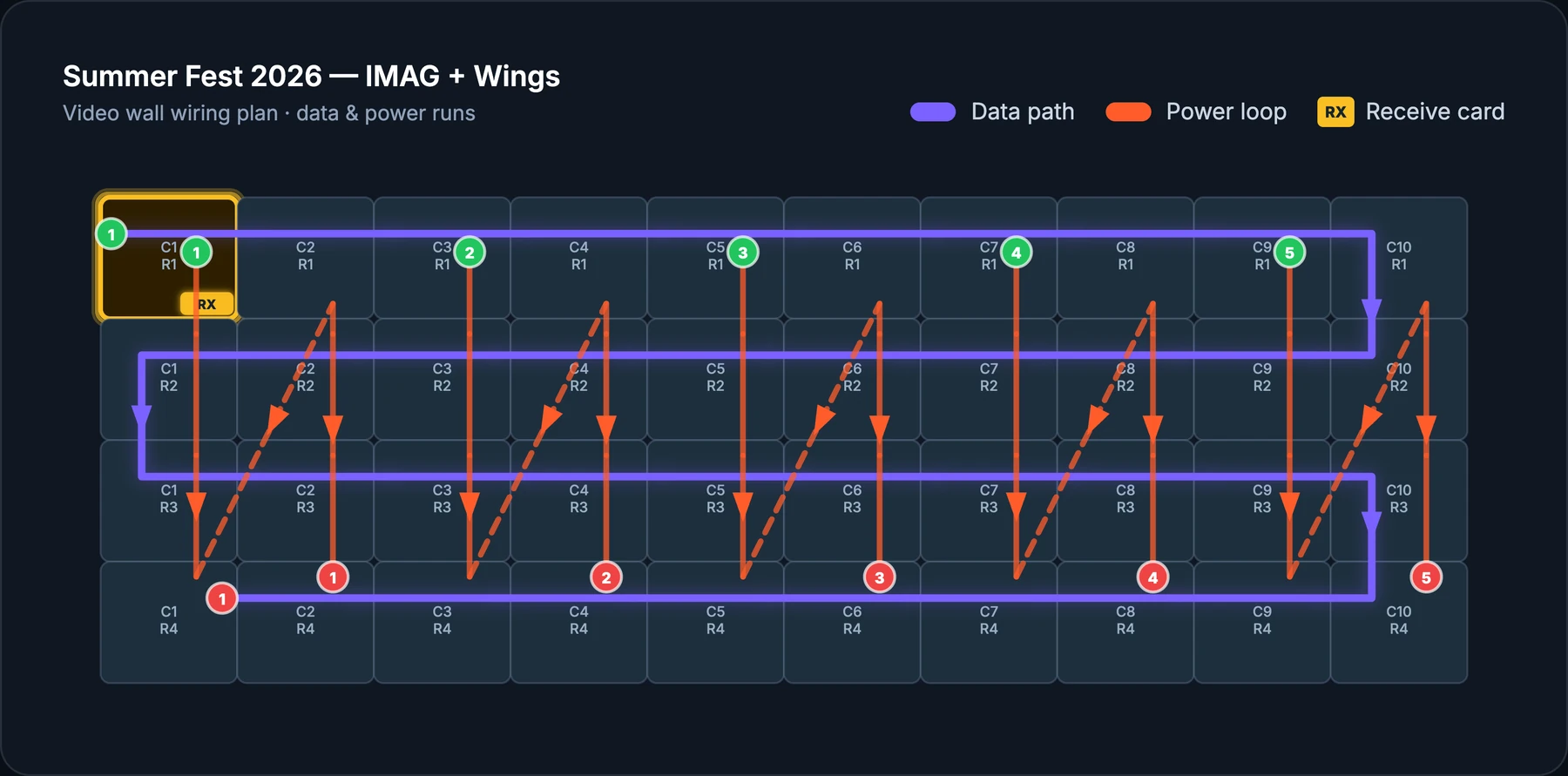
- LED walls and racks: design_led_wall turns a catalog panel and a target size into a full wall spec and can place it wired to its processors, while list_racks and get_rack read rack elevations
- Sharing: create_share_link and list_share_links manage login-free, read-only client views
- Images: upload_floor_plan sets a floor plan or stage plot under a diagram, and upload_device_image puts a real product photo on a device
Why this is different from a generic diagramming MCP
General-purpose diagram servers let a model place shapes and draw lines. That is the right tool for an architecture sketch. An AV show needs more than geometry: a device has typed ports, a wire carries a signal type, and the file has to produce a cable schedule and a power report the crew can trust.
WireFlow's server works on that domain model directly. get_wfi_schema hands the model a strict authoring guide with valid port types, device categories, and layout rules, and validate_wfi reports anything the importer would repair or drop, so a clean build validates with zero warnings.
Guard rails on a live show file
An agent with write access to the file a crew loads in from needs limits built into the server.
- Every save through the API snapshots the diagram first
- replace_diagram_state requires the saved version it replaces, so a concurrent edit fails with CONFLICT instead of being overwritten
- Edits to team and live-collaboration diagrams are refused; duplicate_diagram makes a full-fidelity personal copy
- delete_diagram is permanent, so it refuses to run unless it is given the diagram's name
- Each key is rate limited to 120 requests per minute, and revoking it in Settings disconnects it immediately
Connect in about five minutes
Create a key in Settings, on the Account tab, in the Claude & API access panel. The full key is shown once, so copy it straight away.
For Claude Code, run one command: claude mcp add --transport http wireflow https://wireflow.live/api/mcp --header "Authorization: Bearer YOUR_KEY". For Claude Desktop or claude.ai, add a custom connector whose URL carries the key: https://wireflow.live/api/mcp?key=YOUR_KEY. Any other MCP client that speaks Streamable HTTP can use either form.
The REST API
The same key works against the REST API for scripts, scheduled jobs, and your own tools.
- GET /api/v1/diagrams lists your diagrams
- GET /api/v1/diagrams/:id returns one diagram as WireFlow JSON
- POST /api/v1/diagrams creates a diagram
- PUT /api/v1/diagrams/:id/state replaces a diagram's contents
- GET /api/v1/wfi/schema returns the WireFlow JSON authoring guide
Frequently asked questions
- What is an MCP server?
- MCP, the Model Context Protocol, is an open standard that lets an AI client call tools on another service. WireFlow's MCP server gives Claude tools to read, build, check, and edit your AV diagrams.
- How do I authenticate?
- With a personal API key, sent as an Authorization: Bearer header or, in a connector dialog with no header field, as a key parameter on the MCP URL. Create it in Settings under Claude & API access, copy it once, and revoke it there whenever you like.
- Which plans include the API and MCP server?
- A paid plan on your own account; a Team seat alone does not include it yet. An account without one sees an upgrade option in place of the key panel.
- Can Claude edit team diagrams?
- Not directly. The API refuses to edit team and live-collaboration diagrams. duplicate_diagram makes a full-fidelity personal copy, which Claude can then edit unless the diagram uses site-map zones.
- Is there a REST API as well?
- Yes. The same key works with /api/v1 to list, read, create, and replace diagrams, and to fetch the WireFlow JSON authoring guide.