Lucidchart alternative
A Lucidchart alternative that knows an SDI port from an HDMI port.
Lucidchart already got the browser-based, collaborative part right. What it doesn't have is AV intelligence: validated ports, signal tracing, cable schedules, racks, and LED walls. WireFlow does.
- Real ports on every device, connections validate as you draw, not after
- Signal-path tracing instead of arrows that just look connected
- Cable schedules and gear lists generated from the diagram itself
- Rack elevations and LED wall planning in the same project
- Browser-based like Lucidchart, free to start, no card required
Where Lucidchart stops for AV work
Lucidchart is a capable general diagramming tool, and it's genuinely fine for what it's built for: flowcharts, process maps, network topology sketches. Drop in an AV shape library and you can make something that looks like a signal flow diagram, right up until you connect an output to an input that can't actually take that signal.
There's no concept of a port in Lucidchart. A line between two shapes means 'these are related,' not 'this HDMI output feeds this HDMI input and nothing else can plug in here.' The diagram can look finished and still be wrong.
That gap doesn't show up in the review meeting. It shows up when someone's tracing a dead signal path at the venue, comparing what the diagram says against what's actually possible to plug in.
Validation vs pretty arrows
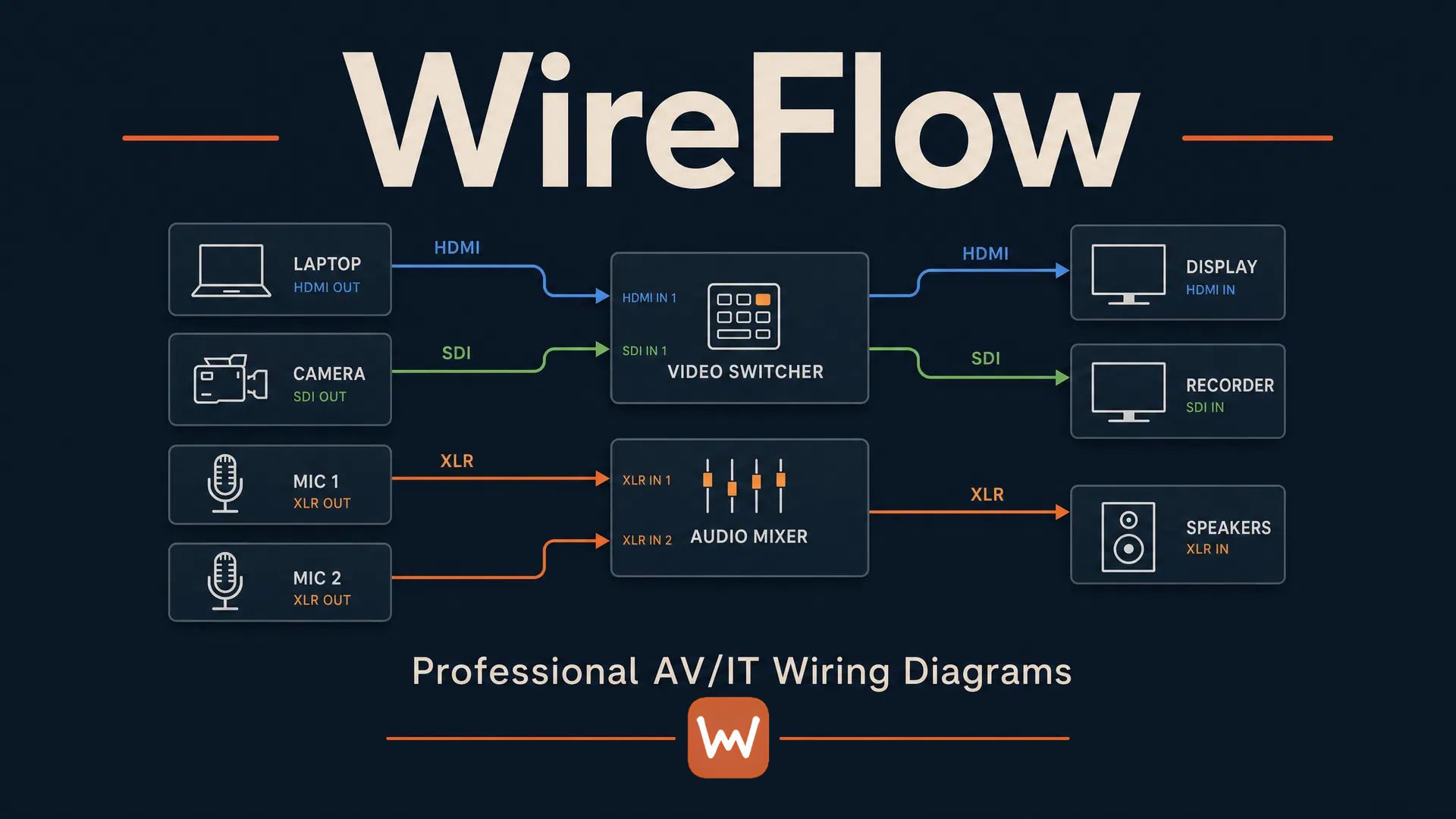
WireFlow devices carry real ports: HDMI, SDI, XLR, RJ45 (Dante, NDI), USB, DMX, DisplayPort, fiber, and every connection is checked against them while you draw. An incompatible patch gets blocked on the spot instead of discovered at load-in.
- Port-aware devices instead of shapes with generic connection points
- Signal-path tracing end to end, not just visual proximity
- Labels and signal names that carry through to the paperwork, not just sit on the canvas
From diagram to tech pack
A finished Lucidchart diagram is still just a diagram. The cable schedule, the gear list, and the rack layout all live somewhere else, typed by hand and drifting from the drawing the moment something changes.
In WireFlow, those come out of the same project. The cable schedule and bill of materials generate from the diagram's own data, and the whole thing packages into a PDF tech pack your crew can open at load-in.
- Cable schedule and gear list exported as CSV, straight from the diagram
- PDF tech pack for the client, no redrawing the signal flow in a second tool
- Rack elevations and LED wall math live in the same project, not a separate file
Pricing and switching
There's no importer from Lucidchart, so plan on rebuilding rather than migrating. Most crews get a show file rebuilt in an afternoon using WireFlow's AV device library, and it comes out validated instead of just redrawn.
Start free with three editable diagrams and no card. Pro is $14.99/month and adds unlimited diagrams, LED walls, rack elevations, and clean exports.
Frequently asked questions
- Is WireFlow as easy to use as Lucidchart?
- The drawing experience is similar: drag devices onto a canvas, connect them, share a link. The difference shows up the moment you make a connection: WireFlow checks it against real ports instead of just drawing a line.
- Can I import a Lucidchart diagram?
- No direct importer. Most crews rebuild the show file in an afternoon with the device library, which also means the rebuilt version gets port validation the original never had.
- Does WireFlow support real-time collaboration like Lucidchart?
- Team plan includes a shared workspace with live co-editing in early access. Pro covers unlimited read-only share links, which cover most crew and client handoffs without needing simultaneous editing.
- Is it more expensive than Lucidchart?
- We won't quote Lucidchart's pricing since plans and seats vary. WireFlow starts free (three diagrams, no card) and Pro is $14.99/month. Check that against your current per-seat cost.
- Can I still export clean diagrams for a client?
- Yes. PDF tech packs and PNG exports, without watermarks on Pro, and with your own logo and colors on Studio's brand kit.
- Does it handle more than signal flow diagrams?
- Yes. The same project holds rack elevations with front/rear views and LED wall plans with cabinet grids, power, and data paths, so the diagram isn't the only document you're maintaining.